Turn a photo into an oil painting
Upload a photo and get a classic oil portrait: rich, textured brushstrokes and the depth of paint on canvas, with the same face and pose.
A popular gift idea for portraits and pets. Try it with your free daily credits.
 Before
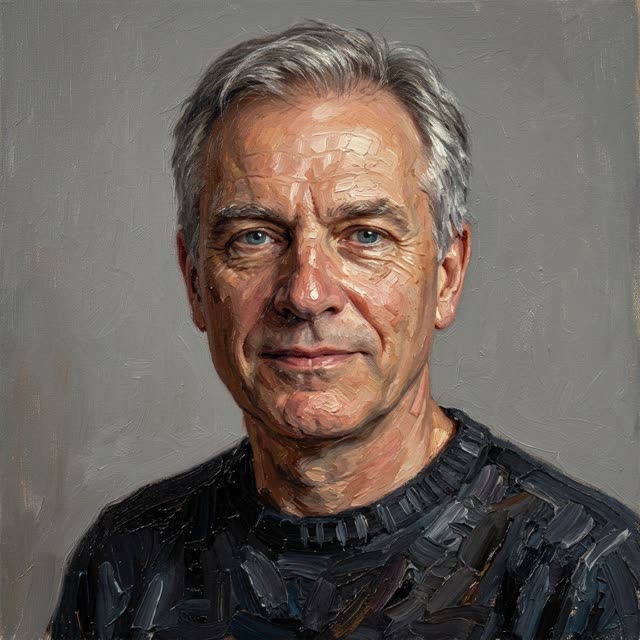 After
Models you can use
How to use the photo to oil painting
-
Upload a photo
A clear portrait or pet photo works best. PNG, JPG or WebP up to 10 MB.
-
Check the style
Oil painting is already chosen. Add a setting if you like: "dark classical background".
-
Generate
Download your painting, or generate again for another version.
Prompt ideas
Frequently asked questions
Is it free?
Yes. Verified accounts get free credits every day, and this uses them at standard resolution.
Can I make a pet portrait?
Yes. Upload the pet photo and change the prompt to "Keep the same dog (or cat), pose and markings".
Will my photo or result be public?
Your uploaded photo is never shown to anyone. Results made with free credits are reviewed before they can appear in the public gallery, and anything showing a real person is kept out of it. With bought credits you can keep any result private.
What happens to the photo I upload?
It's used to make your image and deleted from our storage after 30 days. Only use photos you have the right to use: your own, or of people who agreed.